A magic number is an identifier an MQL5 program can attach to a trade request. An EA can use that identifier when deciding which trading records belong to its process. It is not a broker ticket, a password, a licence key or a risk-control mechanism on its own.
The protection comes from the EA's selection and management logic, not from choosing an impressive-looking number. Two EA instances can share an identifier accidentally, and a program can still act on records outside its intended scope if its filters are incomplete. Before changing a live setting, understand how that EA handles existing orders and positions.
Orders, deals and positions are different records
An order is an instruction; a deal records an execution; a position describes current exposure. MQL5 exposes ORDER_MAGIC, DEAL_MAGIC and POSITION_MAGIC for their corresponding records. A request's magic identifier is therefore something to inspect in the appropriate record, not a replacement for its ticket or its relationship to a position.
A pending order may not have produced a deal yet. One order can have more than one execution, and a position can change over its lifetime. To investigate a conflict, connect the orders and deals through their position identifiers and inspect the relevant history rather than inferring everything from the current position's one magic field.
Manual-origin records commonly have magic zero, but zero is not proof of a manual decision: an EA or script can leave the field unset. MQL5 also exposes reason fields describing the source of an order, deal or position. Combine those records with platform logs when investigating what actually happened.
Create an instance map before attaching several EAs
The following numbers are arbitrary examples, not Quantora defaults. A simple map records which account, symbol and intended strategy instance uses each identifier. Keep it alongside the saved input file and the EA version so you can reproduce the setup on a demo account.
| Intended instance | Example identifier | Scope to verify |
|---|---|---|
| Gold strategy A | 41001 | Account + XAUUSD + instance A |
| Gold strategy B | 41002 | Account + XAUUSD + instance B |
| Stock strategy C | 42001 | Account + exact stock symbol + instance C |
Unique numbers are useful only with correct filters
Suppose two independent Gold EAs use 41001. If either scans positions by that number and symbol, it can select the other instance's trades. Assigning separate identifiers addresses that particular collision only if both programs actually read and filter the identifier correctly.
Conversely, one multi-symbol strategy may deliberately share a number and distinguish symbols in its logic. Giving each chart a different number could break intended account-wide basket management. There is no universal rule that every chart must use a unique value; follow the specific EA's documented scope and test the entire setup.
A safe check includes pending orders, open positions, exits and history processing. Verify whether a trailing-stop tool, trade copier or account manager operates more broadly than the entry EA. A number by itself cannot prevent another program with account trading permission from modifying exposure.
Netting changes what can be isolated
On an MT5 netting account there is one position per symbol. Orders from different EAs can increase, reduce or reverse that shared exposure. Two unique magic numbers do not create two independent XAUUSD positions or give each strategy an independent position-level stop-loss.
For example, strategy A buys 0.10 lot and strategy B later sells 0.04 lot on the same netting symbol. Ignoring intervening trades, exposure becomes a single 0.06-lot buy position rather than a 0.10-lot buy plus a separate 0.04-lot sell. A program must be designed for that shared-position model; relabelling the second strategy cannot convert it into a hedging account.
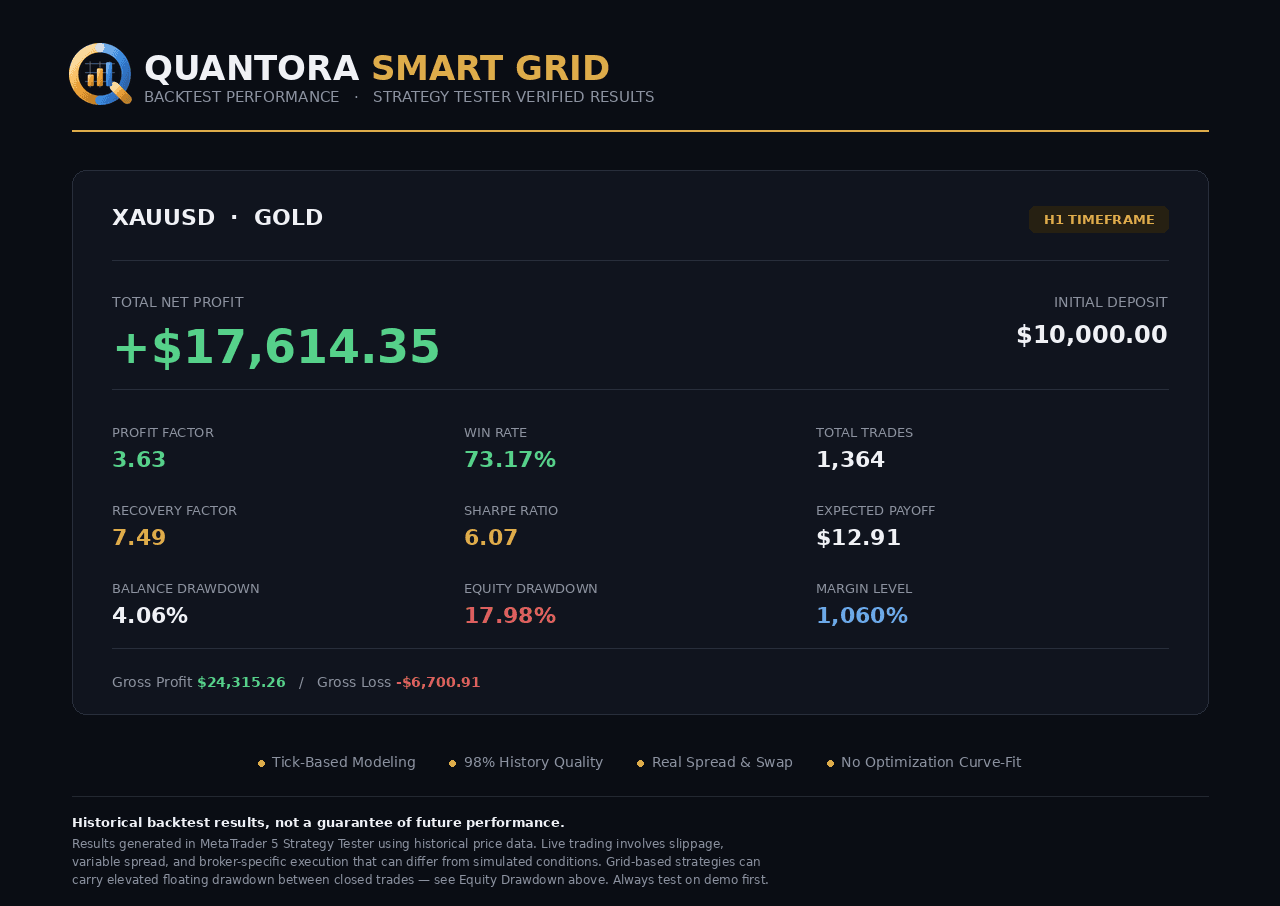
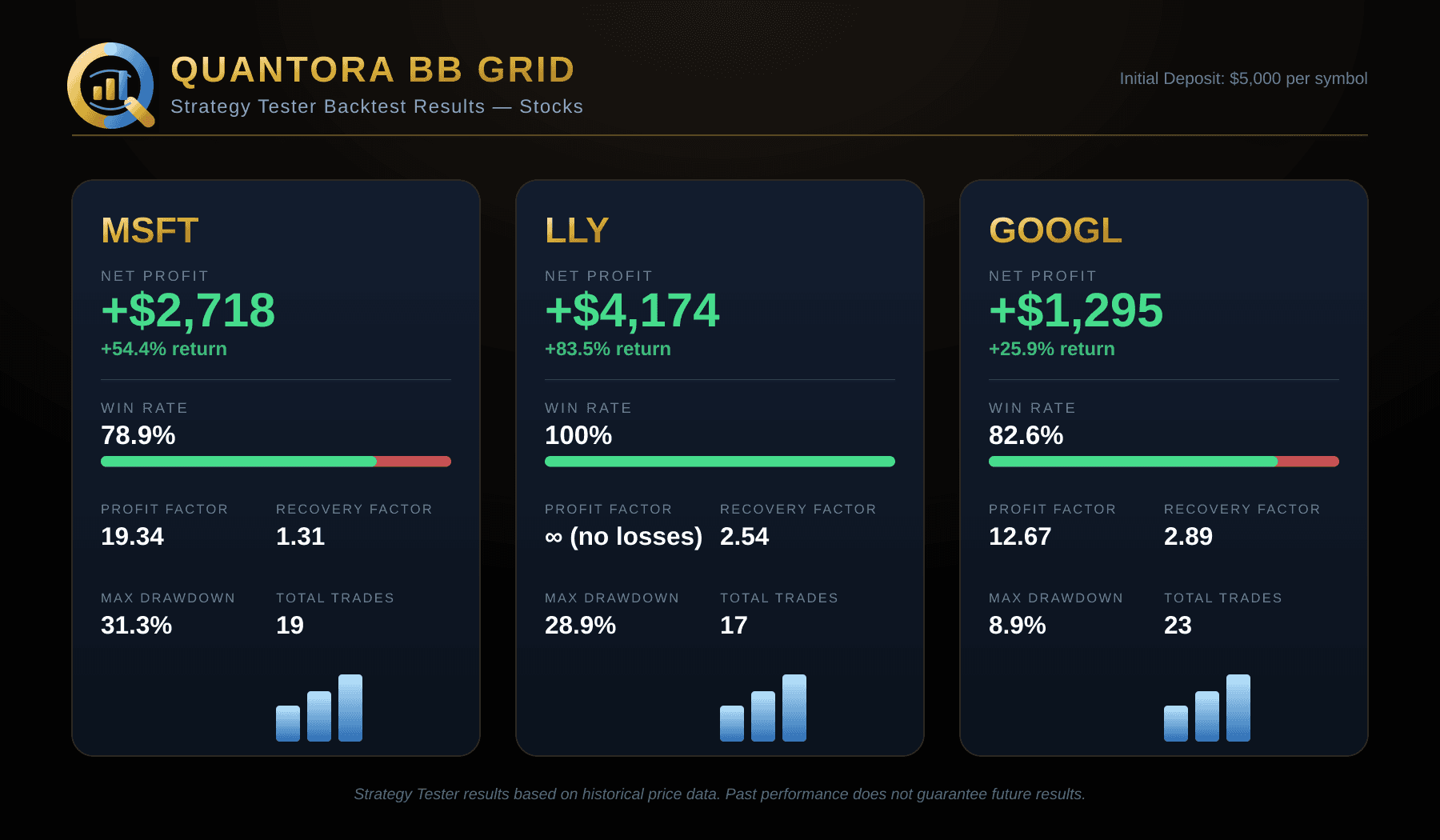
A hedging account can keep separate positions for one symbol, but the EA must still select the correct tickets and scope. The published Quantora Smart Grid MT5 requirements specify a hedging account, and Quantora BB Grid MT5 also states that netting mode is unsupported. Check compatibility before discussing identifiers; a magic setting does not fix an incompatible account mode.
Changing an identifier does not relabel old trades
A new input value can affect requests sent later. It does not automatically rewrite historical order or deal identifiers. Existing-position management after an input change depends on the EA's implementation. If it only searches the new identifier, it may stop finding exposure opened under the old one.
Do not experiment with a new number while a live basket is open. First reproduce the scenario on demo and consult the EA documentation or support about migration and existing-trade management. Disabling Algo Trading stops new automated actions in the terminal, but it does not itself close existing positions or remove broker-side orders and stops.
Troubleshoot without changing several variables at once
- Record account mode, exact broker symbol, EA version, saved inputs and every running instance that has trade-management permission.
- Check the affected order, deal and position records. Note tickets, position identifiers, magic values and reason fields where available.
- Review Experts and Journal timestamps for entry, modification, cancellation and exit attempts. An unexpected close can have a different cause from a magic collision.
- On demo, start with one instance and then add the second. Test pending orders and exits, not just whether a first trade appears.
- Verify behavior across restart and any planned input change. Do not assume the same identifier restores every piece of an EA's internal state.
- Share the minimum reproducible setup with support and redact credentials and account details from logs before sending them.
Common questions
- Can two accounts reuse the same number? The identifiers are inspected within an account's trading records, but copier and portfolio tools may have their own mapping rules. Review that wider workflow.
- Can the same EA run twice on one symbol? Only if it supports that setup and its account mode, selection logic and exposure management have been tested together.
- Does changing the number close existing orders? Not as a platform rule. What an EA does after the change depends on its code.
- Does a unique number make a grid safe? No. It helps identify records; it does not limit volume, drawdown, margin or account-wide risk.