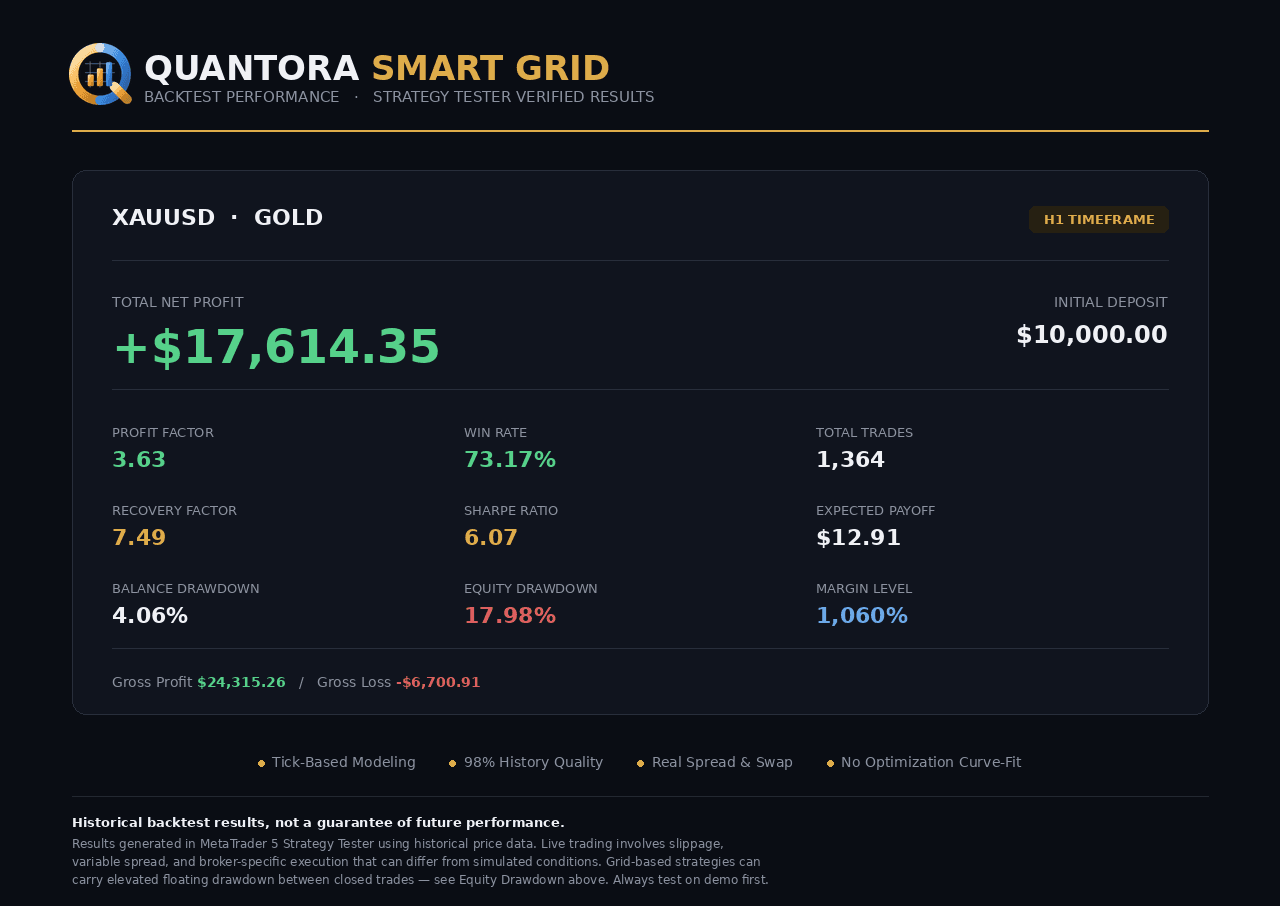
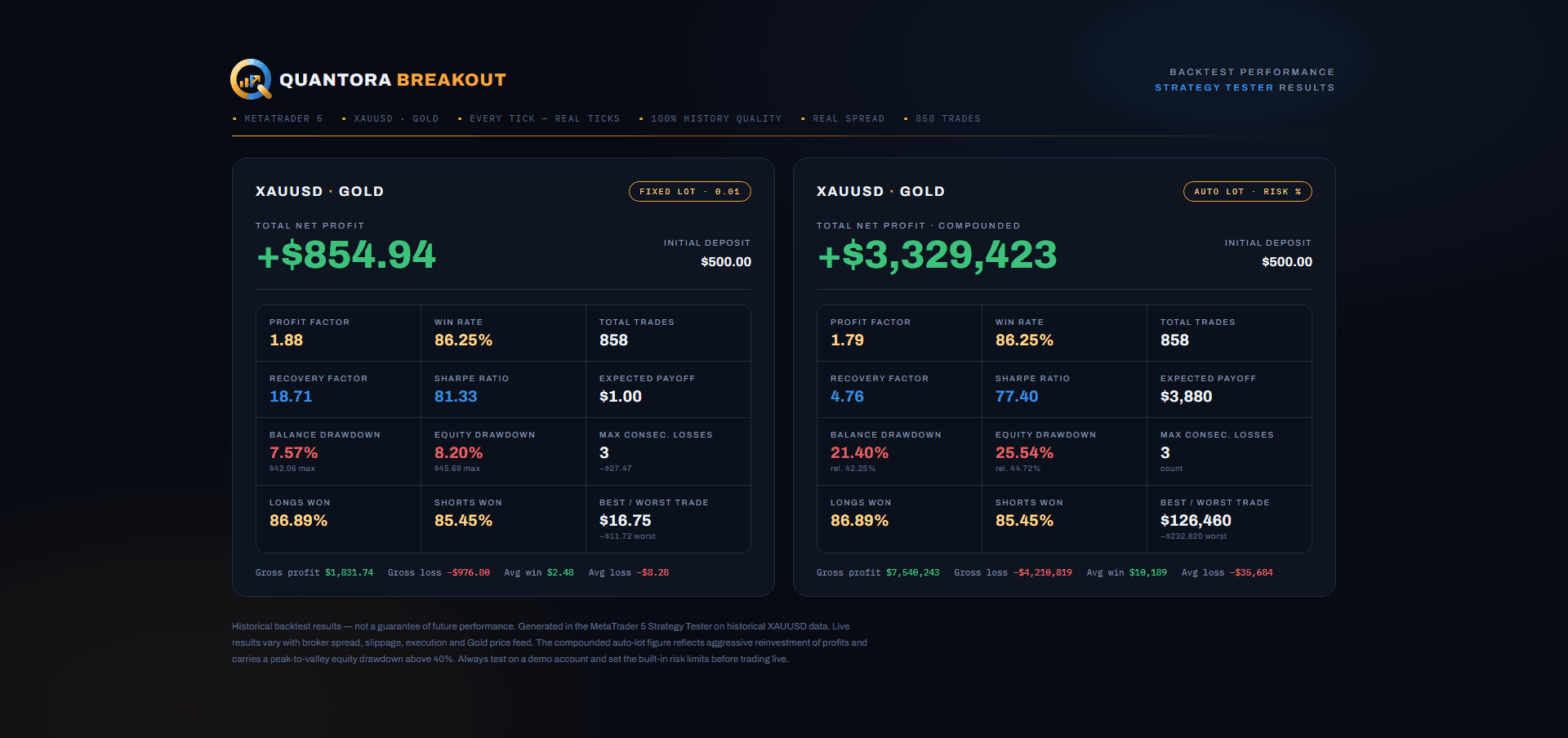
The MT5 Strategy Tester is the best free tool an EA buyer has, and the easiest to fool. The same robot on the same data can show +300% or -40% depending on four dropdowns. This is how to set it up so the result predicts something, how to read the report, and what to look for when a seller's screenshot doesn't match your run.
Open it and pick the basics
- View → Strategy Tester (Ctrl+R). In the Overview/Settings tab choose the Expert Advisor, the symbol (the exact broker symbol you will trade) and the timeframe the EA is built for.
- Date range: at least three years for Gold, and make sure it spans different regimes — the 2022 rate-hike chop, the 2024–25 rally. A strategy tested only on a trend is not tested.
- Deposit and leverage: the deposit you will actually use, at your broker's leverage. A $100,000 backtest of an EA you will run on $2,000 hides margin problems completely.
Modelling: the dropdown that decides everything
"Every tick based on real ticks" replays the broker's recorded tick stream, including their real historical spreads. It is the only mode whose result resembles live trading for grids, scalpers and anything with tight take-profits. The first run downloads tick history from the broker and can take a while; let it.
"Every tick" generates ticks from M1 bars — acceptable for slow strategies, optimistic for fast ones. "1 minute OHLC" is for quick previews only. "Open prices only" is meaningless for any EA that manages positions inside a bar, which is most of them.
Spread and delay
With real ticks, leave spread on Current only if your broker's history includes it (most do); otherwise set a fixed spread that matches what you see in Market Watch during London and New York hours — for Gold on a raw account that might be 12–20 points, on a standard account 30–45. A backtest at 5 points on a symbol you'll trade at 35 is fiction.
Set Delay to Random delay rather than zero. Live orders take 50–300 ms to fill; a strategy whose edge disappears with a few hundred milliseconds of latency would have disappeared on your account too.
Forward testing: your built-in out-of-sample check
The Forward dropdown splits the date range. Optimise or inspect on the first part, and the tester reruns on the untouched remainder. If the forward segment looks nothing like the back segment, the settings were fitted to the past. This matters most when you are tempted to tweak inputs: an EA whose defaults survive the forward period is worth more than one you optimised into a beautiful curve.
Reading the report: five numbers before the curve
- Equity drawdown maximal (%) — not balance drawdown. For a grid the equity number is the real one; balance drawdown hides the open basket.
- Profit factor — gross profit ÷ gross loss. Under 1.3 is fragile; anything above 5 with few trades means the losing scenario hasn't happened yet.
- Total trades — a few hundred minimum before the statistics mean anything.
- Largest loss trade and consecutive losses — the shape of the bad week.
- Recovery factor (net profit ÷ max drawdown) — above 3 over multiple years is respectable for an automated strategy.
Three ways a tester screenshot lies
- Open-prices modelling with a zero spread — instant, beautiful, and worthless.
- A date range that stops just before the strategy's worst period, or starts just after it.
- Optimised inputs on the same data as the test, with no forward period. If a seller's inputs differ from the defaults, ask why and test both.
Then compare with the live record
A backtest is a hypothesis; a verified live account is the evidence. Run the EA's defaults over the same dates its public Myfxbook account has been live and compare drawdown and profit factor. Live will usually be a little worse — swap, slippage, the occasional requote. Live being dramatically better than the tester is as suspicious as dramatically worse.